
Meta CAPI for Lead Generation Ads: Why Businesses Need to Enable It
Running Meta lead generation ads is about more than collecting form submissions. Businesses invest in Facebook and Instagram advertising to attract potential customers, generate enquiries and increase sales. However, collecting leads does not always mean those leads will turn into paying customers.
To understand advertising performance, businesses need reliable conversion tracking that provides insights into customer actions beyond the initial enquiry. Traditional browser-based tracking may miss certain events due to browser restrictions, ad blockers or technical limitations. This is where Meta CAPI for lead generation becomes important.
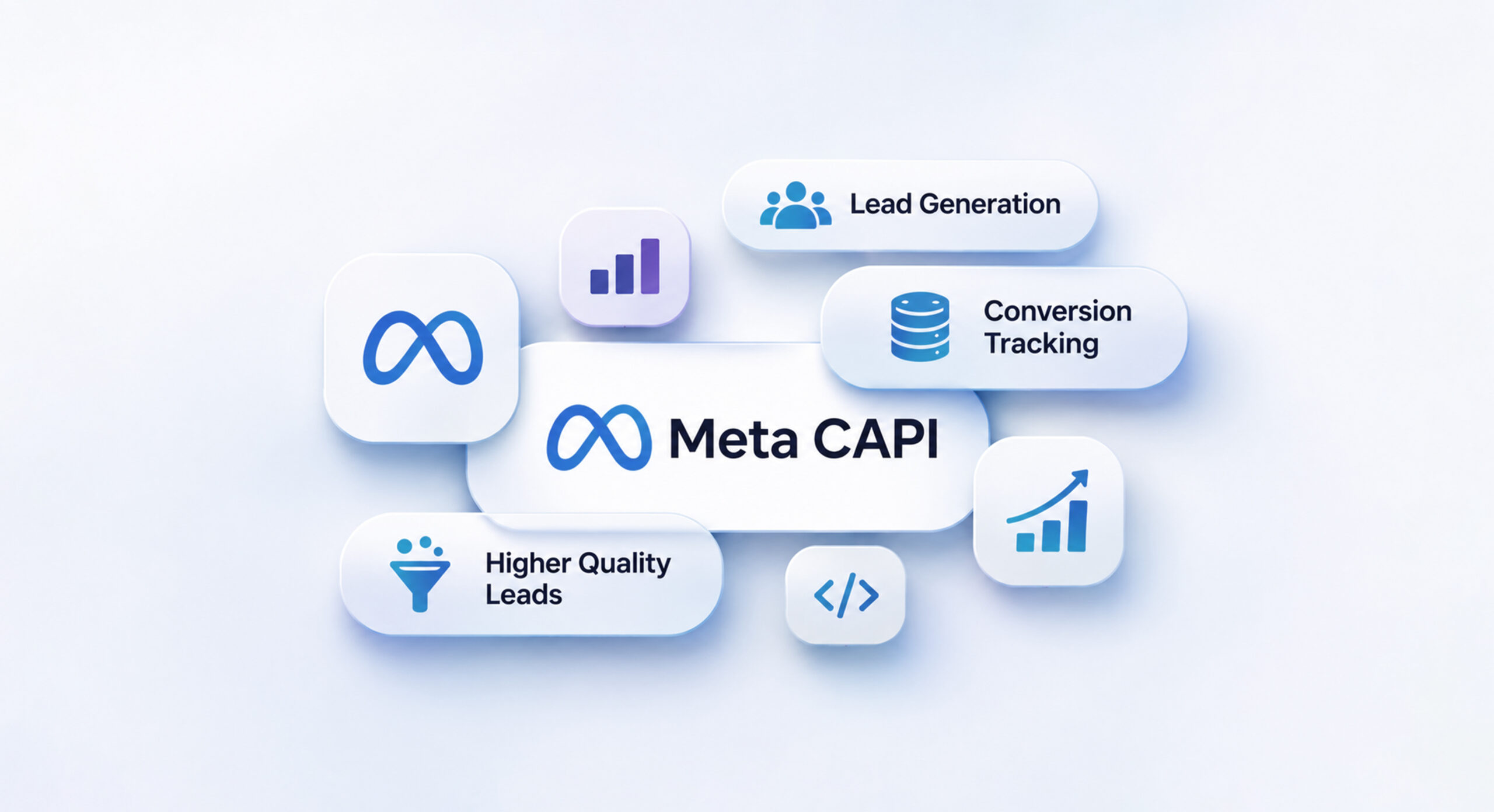
Meta Conversions API (CAPI) allows businesses to send relevant conversion data directly from their website servers, backend systems or connected CRMs to Meta. It provides an additional way to share conversion signals, helping businesses build a more complete understanding of their advertising performance.
What Is Meta CAPI and Why Does It Matter for Lead Generation?
Meta Conversions API (CAPI) is a server-side tracking solution that allows businesses to share customer activity and conversion events directly with Meta. Unlike the Meta Pixel, which collects website activity through the visitor’s browser, CAPI sends event information from a business’s server or connected system.
For example, when someone submits an enquiry form on a website, the business can send that lead event to Meta through CAPI. If the business also uses a CRM, it can send eligible follow-up events, such as qualified leads or completed sales.
The difference between Meta Pixel and CAPI is primarily how conversion information is transmitted. The Pixel relies on browser-based tracking, whereas CAPI provides a server-side transmission method.
Using Meta CAPI for lead generation alongside the Meta Pixel can help businesses improve event coverage and provide additional conversion signals to Meta. When implemented correctly, both methods can work together through event deduplication, preventing the same customer action from being counted twice.
Why Do Businesses Need to Enable Meta CAPI for Lead Generation Ads?
Businesses running lead generation campaigns need to understand not just how many leads their ads generate, but also what happens after someone submits an enquiry. Here are some reasons to consider enabling CAPI.
1. Improve Conversion Event Coverage
Browser-based tracking may not capture every website event due to browser restrictions, connectivity issues or ad-blocking technologies. CAPI provides an additional server-side method to send eligible conversion events to Meta.
This can help businesses improve the coverage of important events, such as lead submissions, and reduce their dependence on browser tracking alone.
2. Send More Reliable Conversion Signals
With CAPI, businesses can send conversion information directly from their backend systems. This means that when a lead is successfully recorded in a connected system, the relevant event can be shared with Meta independently of the browser event transmission.
This additional data transmission method can help create a more consistent flow of conversion information.
3. Understand Lead Generation Campaign Performance
Tracking form submissions alone does not provide the complete picture of advertising performance. Businesses also need to understand whether the enquiries they receive are relevant and valuable.
By connecting suitable systems and tracking relevant events, businesses can gain better visibility into the customer journey, from initial enquiry to potential purchase.
4. Support Campaign Optimisation
Meta uses conversion signals to understand the actions businesses want to achieve through advertising. When relevant conversion events are shared correctly, they can provide additional signals for campaign optimisation.
For example, businesses with suitable CRM integrations can send qualified-lead events to Meta and use supported conversion-lead campaign objectives to optimise beyond basic lead volume.
Key Steps in Setting Up Meta CAPI for Lead Generation Ads
Setting up CAPI requires the right tracking configuration and integration method. The following steps provide an overview of the process.
1. Review Your Existing Meta Pixel Setup
Before implementing CAPI, check your existing Meta Pixel configuration.
- Verify that the Pixel is installed correctly.
- Identify the events currently being tracked, such as PageView and Lead.
- Review event activity and diagnostics in Meta Events Manager.
- Identify gaps in your existing conversion tracking.
This helps determine which events need additional server-side tracking.
2. Choose the Right CAPI Integration Method
Businesses can implement CAPI through different methods depending on their website, backend and existing technology.
- Direct server-side integration: Developers connect the business backend directly to Meta’s Conversions API.
- Partner integration: Supported platforms offer integrations that simplify implementation.
- CRM integration: Businesses can connect their CRM to share relevant lead-stage and sales events.
- Server-side tools: Middleware and server-side tracking platforms can help manage and transmit event data.
The appropriate method depends on the business’s technical setup and tracking requirements.
3. Configure the Relevant Conversion Events
Identify the customer actions that matter to your business and configure the corresponding events.
For lead generation campaigns, these may include:
- Lead form submissions
- Qualified leads
- Contacted leads
- Converted customers
Ensure that event names, timestamps, event sources and relevant parameters are configured correctly. Only send events that represent genuine customer actions.
4. Configure Event Matching and Deduplication
Event matching helps Meta associate incoming conversion events with relevant users on its platforms. Depending on availability and applicable permissions, businesses can send matching information such as hashed email addresses, phone numbers and browser identifiers.
If the same event is sent through both Meta Pixel and CAPI, event deduplication is important. Use the same event name and event ID across both sources so Meta can recognise that they represent the same customer action.
5. Test and Monitor Your CAPI Setup
After implementation, test the integration using Meta Events Manager.
- Verify that the expected events are being received.
- Check for duplicate or incorrectly configured events.
- Review Event Match Quality and event diagnostics.
- Monitor data freshness and event coverage.
- Resolve errors or missing parameters.
Regular monitoring helps maintain a reliable conversion tracking setup.
Common Meta CAPI Mistakes Businesses Should Avoid
Even after implementing CAPI, businesses can experience tracking issues if the integration is not configured correctly.
Some common mistakes include:
- Assuming that enabling CAPI automatically improves lead quality or reduces advertising costs.
- Sending duplicate Pixel and CAPI events without proper deduplication.
- Tracking only form submissions while ignoring valuable downstream conversion events.
- Sending incomplete, inaccurate or incorrectly formatted customer information.
- Ignoring opportunities to connect CRM data with Meta.
- Failing to test and monitor events after implementation.
Avoiding these mistakes helps businesses maintain better conversion data and make more informed advertising decisions.
How Meta CAPI Helps Businesses Track Qualified Leads and Sales
One of the important applications of Meta CAPI for lead generation is connecting advertising campaigns with CRM data.
Consider a business that receives 100 enquiries through Meta Ads. While all 100 submissions may be recorded as leads, only a portion might be genuinely interested in the products or services. Some may become qualified prospects, while others may eventually convert into paying customers.
Without downstream conversion tracking, Meta may receive information about the initial lead submission but have limited visibility into what happens afterwards.
With a suitable CRM integration, businesses can send eligible events such as qualified leads and completed purchases back to Meta through CAPI.
This helps businesses:
- Understand the difference between lead volume and lead quality.
- Connect advertising campaigns with CRM activities.
- Track the progress of leads through the sales funnel.
- Share relevant conversion outcomes with Meta.
- Provide additional signals that can support campaign optimisation.
However, sending CRM events does not automatically guarantee better campaign results. The quality of the CRM data, event matching, integration and campaign configuration all matter.
When Should a Business Consider Meta CAPI?
Businesses should evaluate Meta CAPI for lead generation when their existing tracking setup does not provide sufficient conversion visibility or when they want to connect advertising data with their internal systems.
CAPI can be particularly useful when:
- The business regularly runs Facebook and Instagram lead generation campaigns.
- Website tracking does not capture all expected conversion events.
- The business uses a CRM to manage enquiries and customer information.
- The sales team tracks qualified leads and completed sales.
- The business wants to connect lead generation campaigns with actual business outcomes.
- Existing conversion tracking requires an audit or improvement.
Businesses using Meta Instant Forms, website lead forms or CRM-based sales processes may require different integration approaches. The right implementation should be based on the campaign objectives and available business data.
Conclusion
Successful lead generation is not just about collecting enquiries. Businesses also need to understand how those enquiries progress towards becoming customers. Meta CAPI for lead generation can complement browser-based tracking, improve conversion event coverage and help businesses share relevant conversion information with Meta.
When connected with a suitable CRM, it can also provide additional visibility into qualified leads and sales. Businesses running Meta Ads should review their existing conversion tracking setup and evaluate whether implementing CAPI can strengthen their measurement and campaign optimisation process.