
Meta Conversions API: A Smarter Way to Track Conversions
Running Meta Ads is not just about reaching more people or getting clicks. What really matters is understanding what happens after someone interacts with your advertisement. Do they visit your website, add a product to their cart, submit an enquiry, or complete a purchase?
Accurate conversion tracking helps businesses understand campaign performance, measure results and make better advertising decisions. However, browser restrictions, ad blockers and privacy updates can make traditional tracking less reliable.
This is where Meta Conversions API (CAPI) comes in. It provides businesses with another way to share customer actions directly from their servers with Meta, helping improve conversion data collection and measurement.
Let’s explore how Meta Conversions API works, how it differs from Meta Pixel and why it matters for businesses running Meta Ads.
What Is Meta Conversions API?
Meta Conversions API, commonly known as CAPI, is a tool that allows businesses to share customer activity and conversion events directly from their servers or supported business platforms with Meta.
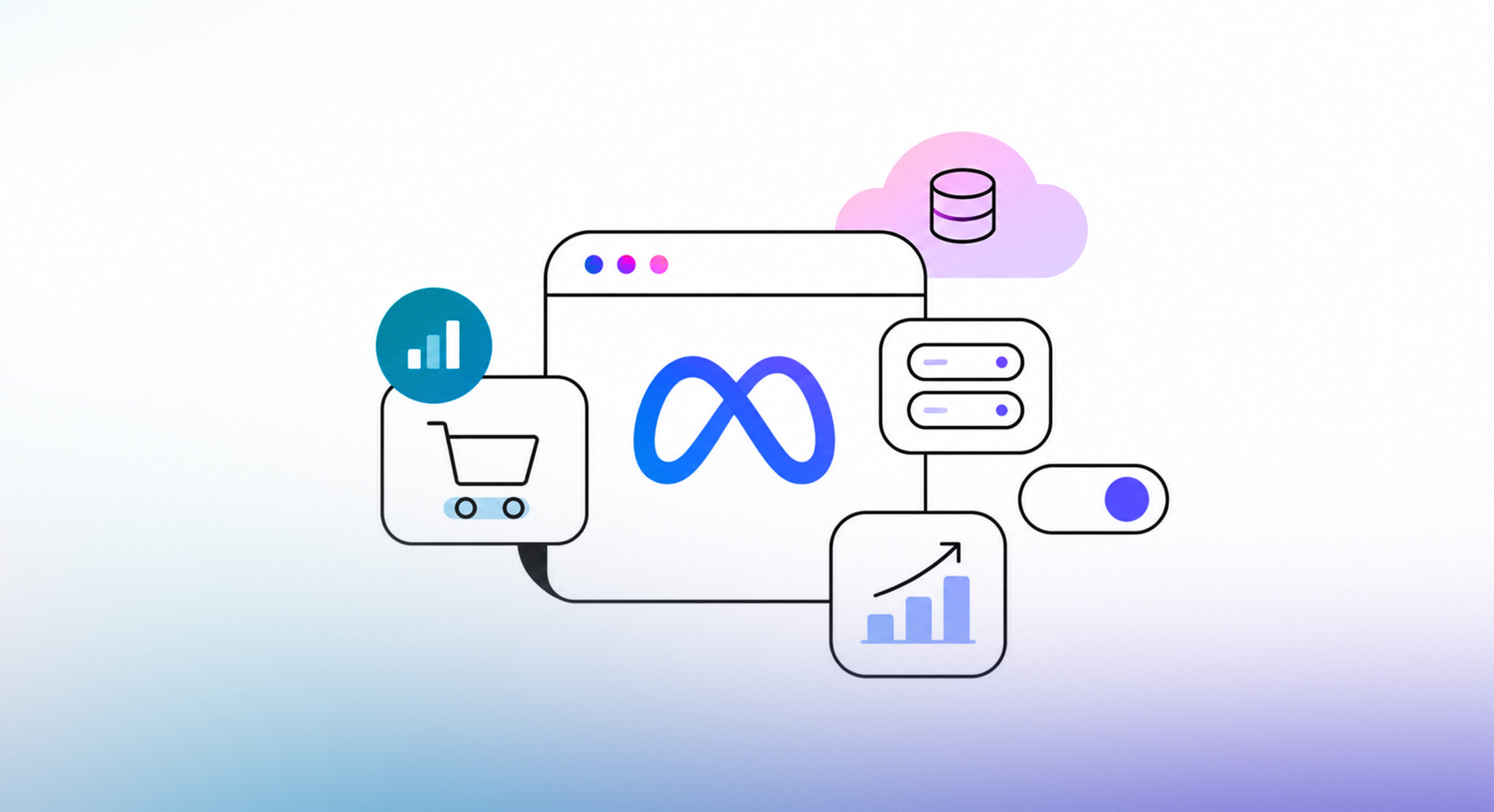
Traditionally, businesses have relied on Meta Pixel to track website activity. While Pixel collects information through a visitor’s browser, Conversions API creates a server-to-server connection to send relevant event information directly to Meta.
In simple terms, instead of depending only on the customer’s browser to report an action, your business server can also share that information with Meta.
For example, imagine a customer visits your e-commerce website through a Facebook advertisement, adds a product to their cart and completes a purchase. Your website or connected platform can record these actions and send the relevant conversion events to Meta through CAPI.
Businesses can use Conversions API to share different types of customer actions, including:
- Purchases: When a customer successfully completes an order.
- Leads: When a potential customer expresses interest in a product or service.
- Add to Cart: When a visitor adds a product to their shopping cart.
- Registrations: When someone signs up for an account, event, or service.
- Form Submissions: When a visitor submits an enquiry or contact form.
By sharing these events, businesses can provide Meta with additional conversion signals. This can help improve conversion measurement and give Meta more information to support advertising optimization.
How Does Meta Conversions API Work?
Understanding how Meta Conversions API works is easier when you look at the journey of a customer.
Unlike traditional browser-based tracking, which depends on the visitor’s browser sending event information, CAPI uses a server-to-server connection to share conversion data.
Let’s take a simple example.
Imagine someone clicks on your Facebook advertisement, visits your website and purchases a product.
Here’s what happens:
Step 1: Customer interacts with your website
A customer clicks on your Meta advertisement and visits your website. They may browse products, add items to their cart, submit a form, or complete a purchase.
Step 2: Your business server records the action
When the customer completes an action, your website or connected business platform records the relevant event. For example, when an order is successfully placed, the purchase information is recorded by the system.
Step 3: Event data is sent to Meta
Your server sends the relevant event information to Meta through the Conversions API. Depending on the implementation, this may include event details, timestamps and permitted customer information that helps Meta match the event.
Step 4: Meta processes the information
Meta receives and processes the event data for conversion measurement, attribution and advertising optimization.
This additional data-sharing method can help businesses reduce their dependence on browser-based tracking alone.
It’s also worth understanding that CAPI can work alongside Meta Pixel. When both methods report the same customer action, event deduplication helps Meta identify and avoid counting the same conversion twice.
Suggested workflow visual:
Website → Business Server → Meta Conversions API → Meta Ads Manager
Meta Pixel vs Meta Conversions API: What’s the Difference?
If you’ve already installed Meta Pixel on your website, you might wonder why you need Conversions API as well.
Both tools help businesses share customer activity with Meta, but they work differently.
Meta Pixel uses browser-based tracking, while Conversions API uses server-side tracking. Understanding this difference helps explain why businesses are increasingly adopting both methods.
Here’s a comparison:
| Feature | Meta Pixel | Meta Conversions API |
|---|---|---|
| Tracking method | Browser-based tracking | Server-side tracking |
| Data source | Customer’s browser | Business server or supported platform |
| Data transmission | Sends events through the browser | Sends events directly from the server |
| Browser restrictions | Can be affected by browser restrictions and ad blockers | Less dependent on browser-based tracking |
| Event tracking | Primarily tracks website activity | Can track website and other supported business events |
| Data signals | Uses browser signals | Can use additional customer and event data |
Why Should You Use Both Together?
Meta Pixel and Conversions API are not necessarily competing tools. In fact, using them together can provide a more comprehensive approach to conversion tracking.
Meta Pixel collects website activity through the visitor’s browser, while CAPI sends relevant event information directly from the business server.
When both methods are properly configured, businesses can share additional conversion signals with Meta and reduce the impact of certain browser-related tracking limitations.
However, there is one important consideration: Event Deduplication.
When the same customer action is reported through both Pixel and CAPI, Meta needs to identify that both events represent the same conversion. This is where event deduplication comes in.
By using matching event IDs and correctly configuring both tracking methods, businesses can help Meta identify duplicate events and avoid counting the same action twice.
In short, combining Meta Pixel and Conversions API can help create a stronger conversion tracking setup.
Key Benefits of Meta Conversions API
Implementing Meta Conversions API is not simply about adding another tracking tool to your website. It can help businesses improve how conversion information is collected, shared and used for advertising.
Let’s look at some of its key benefits.
1. Improved Conversion Data Collection
One of the major benefits of CAPI is its ability to provide an additional method of collecting and sharing conversion events.
Traditional browser-based tracking can sometimes miss events due to ad blockers, browser restrictions, or connectivity issues. Since CAPI sends information directly from the server, it can help recover some of the conversion signals that browser-based tracking may not capture.
This gives businesses an additional source of conversion information instead of relying entirely on browser tracking.
2. Better Ad Campaign Optimization
Meta’s advertising system uses conversion signals to understand which users are more likely to take specific actions.
For example, if your campaign is optimized for purchases, Meta needs information about completed purchases to understand what types of users are converting.
By providing additional event data through CAPI, businesses can help Meta get a more complete picture of customer actions. These additional signals can support campaign optimization and help the advertising system make better delivery decisions.
However, CAPI alone does not guarantee lower advertising costs or more conversions. Results also depend on campaign strategy, audience quality, creatives, budget and overall implementation.
3. More Reliable Conversion Measurement
Imagine your Meta Ads Manager reports fewer purchases than your actual website orders. This can make it difficult to understand how well your campaigns are performing.
One possible reason is that some conversion events are not being captured through browser-based tracking.
Conversions API creates another channel for sharing conversion events. When implemented correctly alongside Meta Pixel, it can help improve the availability of conversion data and provide a more reliable measurement setup.
This allows businesses to make advertising decisions with better information.
4. Better Understanding of Customer Actions
A customer’s journey doesn’t begin and end with a purchase. They may visit your website, explore products, add items to their cart, submit an enquiry, or register for a service before becoming a customer.
CAPI allows businesses to share different types of relevant customer events with Meta.
By tracking important actions throughout the customer journey, businesses can gain a better understanding of how users interact with their websites and services.
This information can be useful when evaluating campaign performance and identifying opportunities to improve the customer journey.
5. Greater Control Over Data Sharing
Another important advantage of Conversions API is the control it provides over the events and information shared with Meta.
Businesses can configure which events they want to send and determine which relevant customer information is included, based on their implementation and applicable privacy requirements.
However, having greater control also comes with responsibility. Businesses must ensure that the information they share follows applicable data protection regulations, consent requirements and Meta’s data-sharing policies.
6. How to Set Up Meta Conversions API
Setting up Meta Conversions API requires some technical configuration, but the process can be straightforward when you choose the right implementation method.
The exact setup depends on your website platform, business requirements and available technical resources.
Here are the general steps involved.
Step 1: Choose an Implementation Method
First, decide how you want to connect your business server with Meta.
There are different ways to implement CAPI, including:
- Partner Integrations: Supported platforms such as Shopify and other business tools offer integrations that can simplify the setup process.
- Google Tag Manager: Businesses can use Google Tag Manager or server-side Google Tag Manager as part of their tracking implementation.
- Direct API Integration: Businesses with development resources can integrate directly with Meta’s Conversions API using their server infrastructure.
The right option depends on your website platform and tracking requirements.
Step 2: Connect Your Website or Business Platform
Once you’ve selected an implementation method, connect your website or business platform with Meta.
This establishes the connection required to send conversion events from your server to Meta.
Make sure you’re connecting the correct Meta dataset and configuring the integration for the appropriate website or business.
Step 3: Configure the Events You Want to Track
Next, identify the customer actions that matter most to your business.
For an e-commerce business, this may include:
- View Content
- Add to Cart
- Initiate Checkout
- Purchase
For a lead generation business, important events may include:
- Lead
- Complete Registration
- Contact
- Submit Application
Choose events based on your business objectives and the actions you want to measure.
Step 4: Set Up Customer Information Parameters
Configure the relevant event parameters and customer information that can help Meta match incoming events with users.
Depending on the implementation, this may include information such as email addresses, phone numbers, external IDs and other supported matching parameters.
Where required, customer information must be properly formatted and hashed according to Meta’s specifications.
Only collect and share information that is necessary, permitted and supported by the applicable privacy and consent requirements.
Step 5: Configure Event IDs for Deduplication
If you’re using Meta Pixel and Conversions API together, event deduplication is an important part of the setup.
When both methods send the same event, they should use matching event names and event IDs so Meta can identify them as the same customer action.
Without proper deduplication, the same conversion may be counted more than once.
Step 6: Test Events Using Meta Events Manager
Once the integration is complete, don’t assume everything is working correctly.
Use Meta Events Manager to test whether events are being received through the browser and server.
Check whether the correct events are appearing, whether the required parameters are being sent and whether deduplication is working as expected.
Step 7: Monitor Event Quality and Diagnostics
Implementation doesn’t end once events start appearing.
Regularly monitor Events Manager for event quality, diagnostics, missing parameters and potential configuration issues.
This helps identify problems early and maintain a more reliable tracking setup.
Common Mistakes to Avoid When Implementing CAPI
Although Meta Conversions API offers several benefits, incorrect implementation can affect the quality of your conversion data.
Here are some common mistakes businesses should avoid.
1. Sending Duplicate Events Without Proper Deduplication
When Pixel and CAPI report the same customer action, failing to configure event deduplication correctly can result in duplicate conversion reporting. Always ensure matching event names and event IDs are configured where required.
2. Incorrect Event Configuration
Sending the wrong event name or triggering an event at the wrong stage of the customer journey can lead to inaccurate reporting. For example, a Purchase event should represent an actual completed purchase, not simply someone visiting a checkout page.
3. Missing or Improperly Formatted Event Parameters
Event parameters provide additional information about customer actions. Missing, incorrect, or improperly formatted parameters can affect event processing and matching. Make sure the required information follows Meta’s specifications.
4. Not Testing Events After Implementation
One common mistake is completing the integration without properly testing it. Always use Meta Events Manager to verify that events are being received correctly through both Pixel and CAPI.
5. Sending Inaccurate or Unnecessary Customer Information
Sending incorrect customer details or information that is not required can affect data quality and create privacy concerns. Ensure the information being shared is accurate, relevant and permitted.
6. Ignoring Privacy, Consent and Data Protection Requirements
Conversion tracking should always follow applicable privacy laws, consent requirements and Meta policies. Businesses must be transparent about data collection and ensure that their implementation respects user privacy.
How Meta Conversions API Helps Different Businesses
Meta Conversions API is not limited to e-commerce businesses. Companies across different industries can use it to share relevant customer actions and improve their conversion measurement.
Let’s look at some practical examples.
E-commerce Businesses
For e-commerce brands, understanding customer activity throughout the buying journey is essential.
CAPI can help track important events such as product purchases, add-to-cart actions and checkout activity.
For example, if a customer clicks on a Facebook advertisement and purchases a product from your Shopify store, the purchase event can be shared with Meta through the server-side integration.
This provides an additional source of purchase information that can support campaign measurement and optimization.
Lead Generation Businesses
For businesses that depend on enquiries and customer registrations, tracking lead-related events is equally important.
CAPI can be used to share form submissions, registrations and other relevant lead events with Meta.
Businesses can also use suitable CRM integrations to share additional stages of the lead journey, such as qualified leads, where supported and properly configured.
This helps businesses look beyond the number of form submissions and understand more about the quality of leads generated through their campaigns.
Retail Businesses
Retail businesses often interact with customers both online and offline.
For example, a customer may discover a product through a Facebook advertisement but complete the purchase at a physical store.
With supported offline conversion integrations, businesses can share relevant offline purchase information with Meta. This can help connect advertising activity with customer actions that happen outside the website.
Service Businesses
Service-based businesses such as educational institutions, consulting firms, healthcare providers and professional service companies often depend on enquiries, bookings and registrations.
CAPI can help these businesses share relevant customer actions with Meta, making it easier to measure how their advertising campaigns contribute to enquiries and other business outcomes.
The key is to identify the actions that matter most to the business and configure the tracking system accordingly.
Is Meta Conversions API Worth Implementing?
If your business is investing in Meta advertising, accurate conversion tracking should be an important part of your strategy.
While Meta Pixel remains a useful tool for tracking website activity, relying entirely on browser-based tracking may not provide all the conversion signals your business needs.
Browser restrictions, ad blockers and privacy-related changes can affect the availability of tracking information. This is why businesses should consider adding a server-side tracking solution such as Meta Conversions API.
CAPI is particularly worth considering if:
- Your business regularly invests in Meta Ads.
- You run e-commerce campaigns and want to improve purchase event tracking.
- You depend on lead generation campaigns to acquire customers.
- You notice differences between website conversions and Meta Ads reporting.
- You want to share supported offline or CRM conversion events with Meta.
- You want to strengthen your existing conversion tracking setup.
For most businesses with suitable technical capabilities, combining Meta Pixel and Conversions API can be a better approach than relying on either method alone.
However, it’s important to understand that CAPI is not a magic solution for every advertising problem. It cannot guarantee more leads, lower cost per result, or higher sales. Its primary role is to improve the way relevant conversion information is shared with Meta, supporting better measurement and optimization.
When implemented correctly, better conversion data can help businesses make more informed decisions about their advertising strategy.
Conclusion: Build Smarter Meta Advertising with Better Tracking
Accurate conversion tracking plays an important role in understanding and improving Meta Ads performance. While Meta Pixel remains useful for tracking website activity, combining it with Conversions API can help businesses collect and share additional conversion signals.
Whether you run an e-commerce store, generate leads, or offer professional services, a reliable tracking setup can help you make more informed advertising decisions.
Looking to improve your Meta Ads tracking and campaign performance?
At Wishtree, we help businesses build effective digital marketing strategies with the right tracking and performance measurement approach. Get in touch with our team to explore how better conversion tracking can support your advertising goals.